AI Girlfriend With Pictures
Looking for an AI girlfriend with pictures, not just text? On AmorLink AI she sends them right in the chat. Tap Photo, ask her for a pic in plain words, or switch on Photo with every reply and a picture follows each message.
Every picture has her face, because her own portrait is the face reference for each one. The scene comes from what she just told you: the hotel room, the shower, what she's wearing. They start teasing and get bolder the longer you talk.
The pictures she sends stay private to you. When you want a scene of your own, open the studio, pick her and write it.
Pictures an AI Girlfriend Sends, From Teasing to Explicit

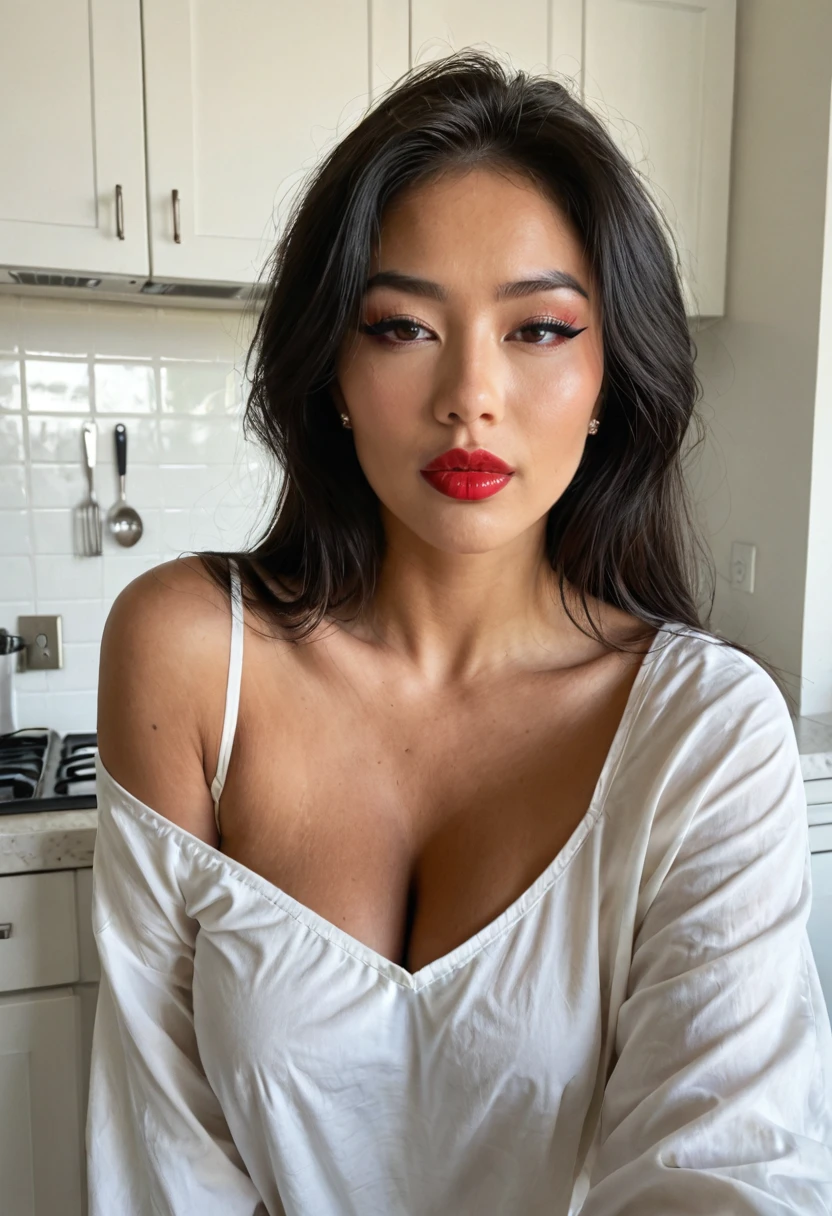
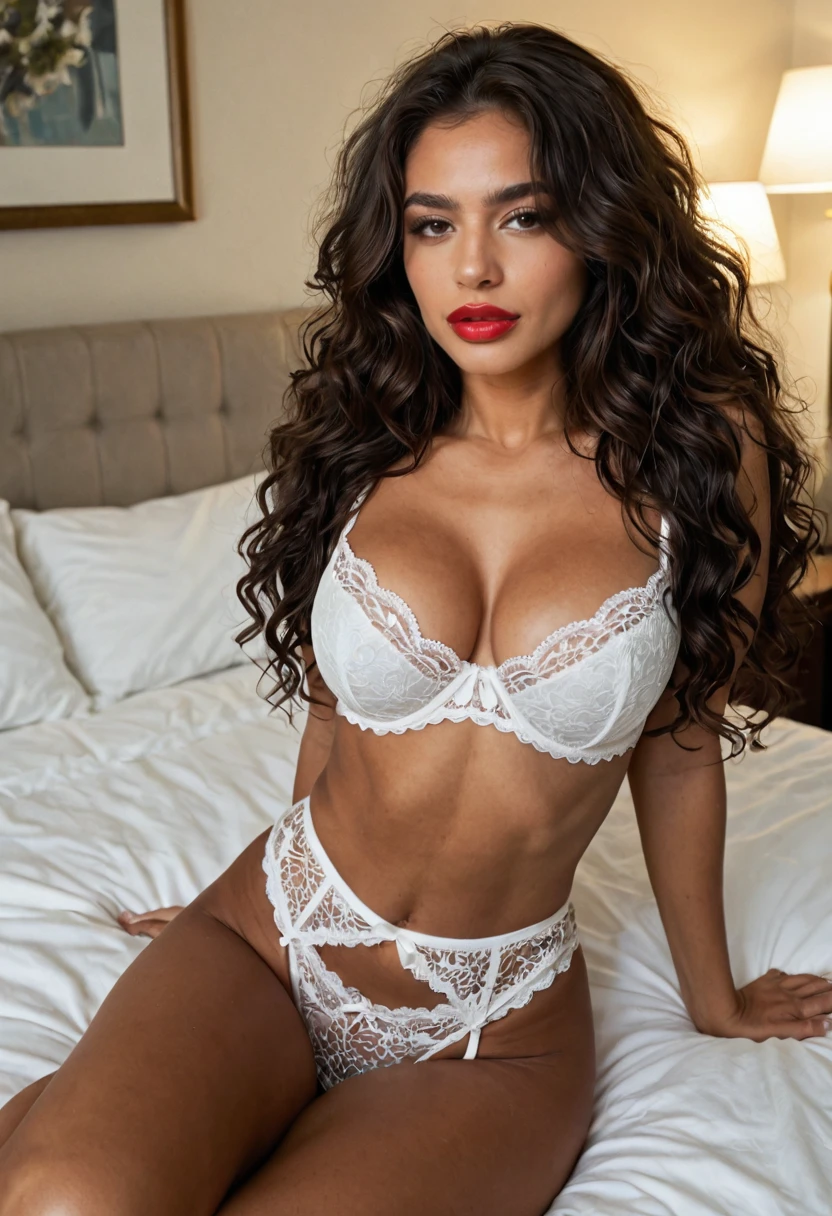

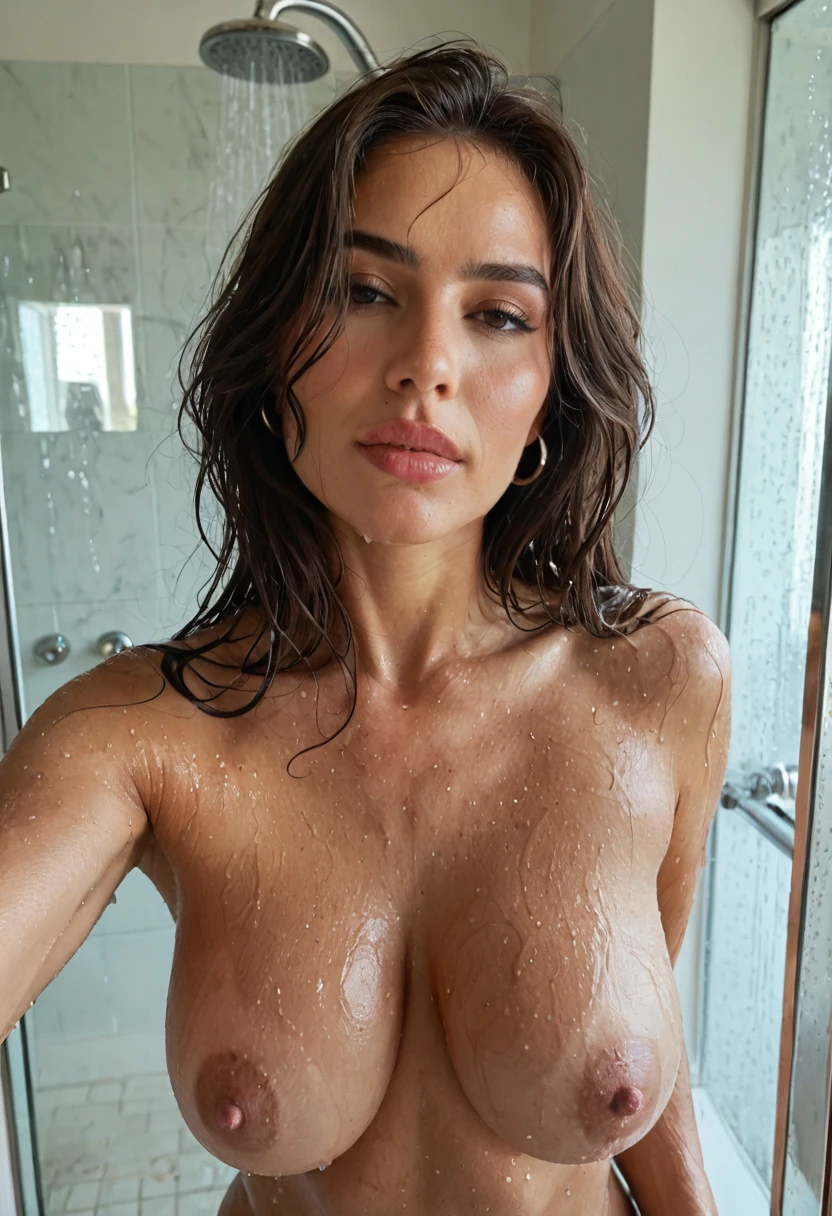
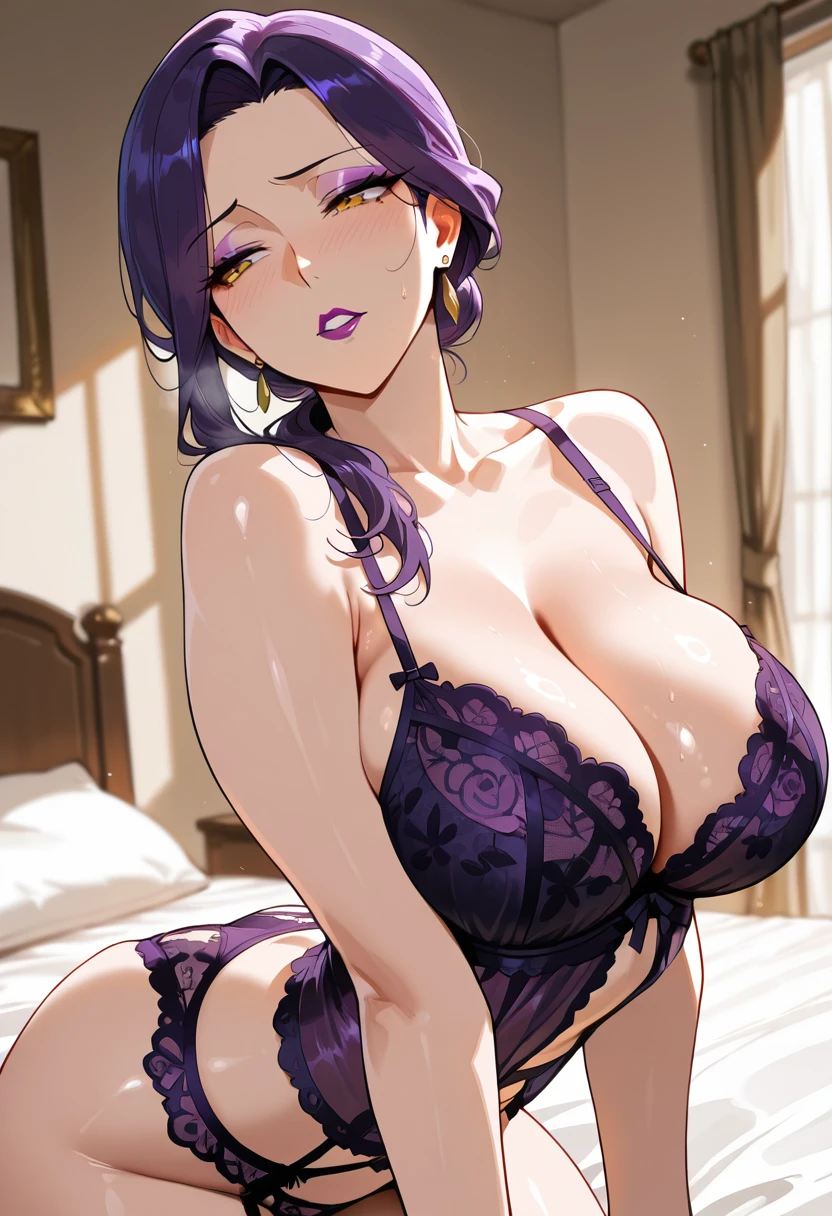
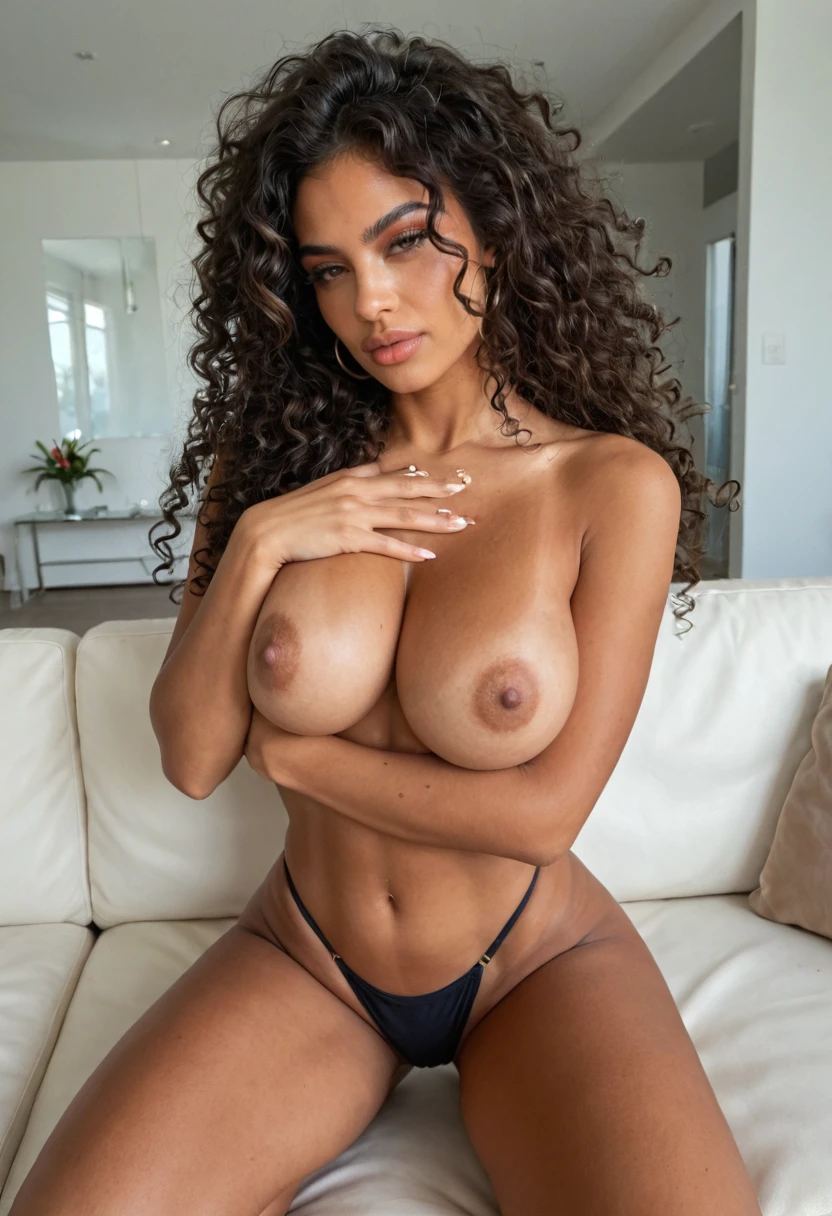
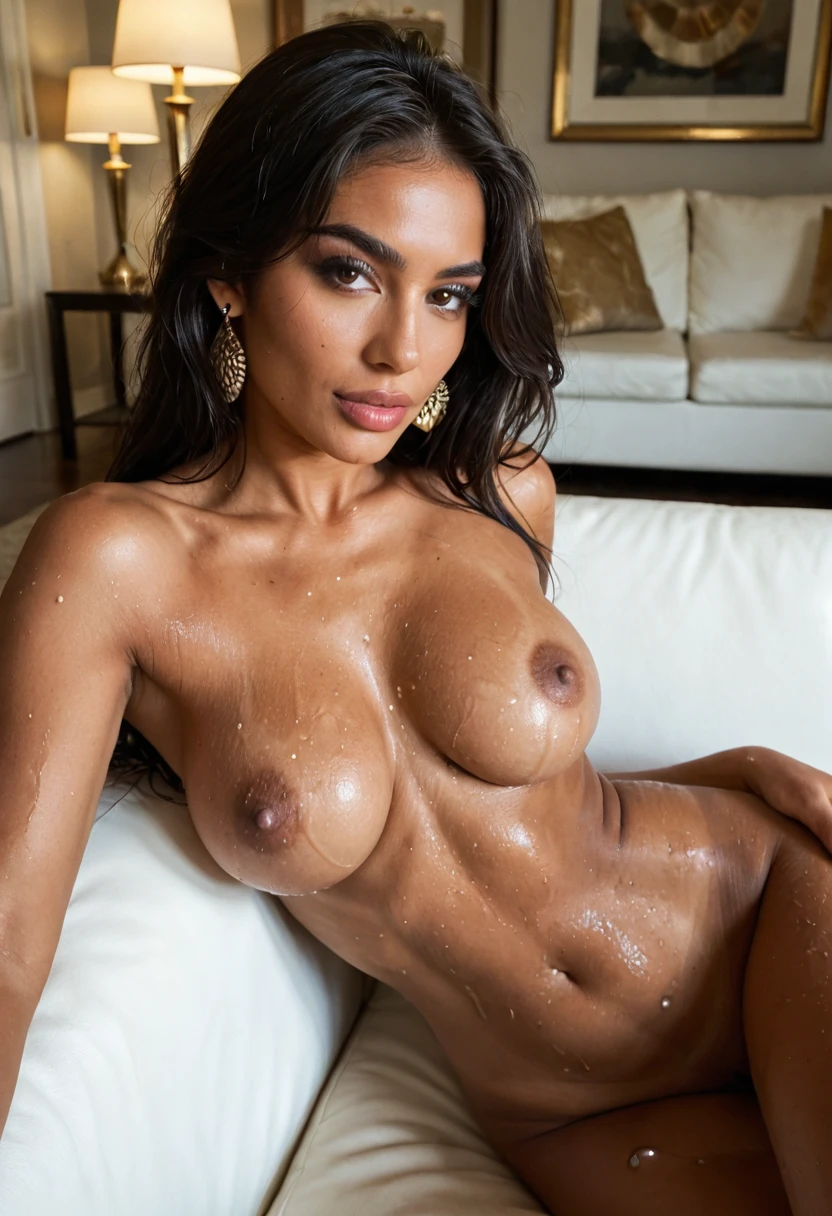
AI Girlfriends Who Send Pictures
Every companion here sends pictures in chat. Open one to see her profile and gallery; chatting takes a free account.
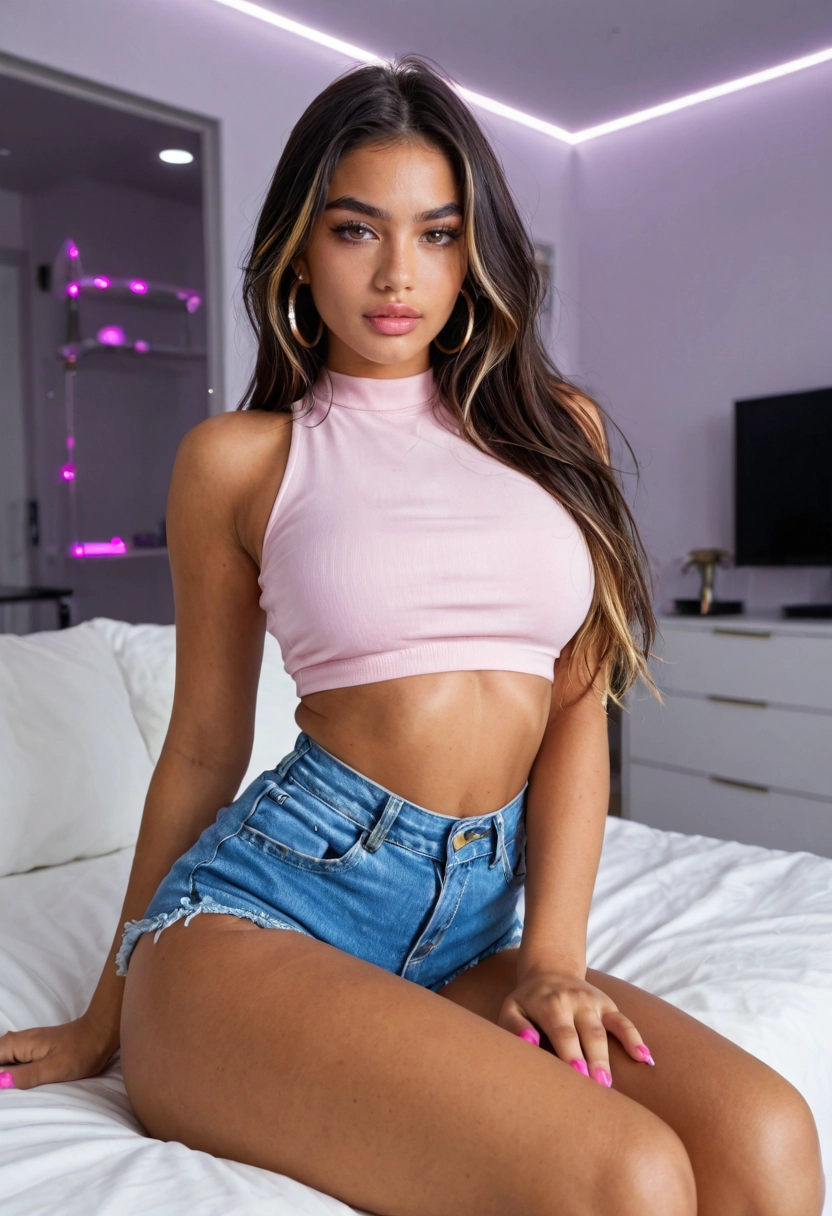
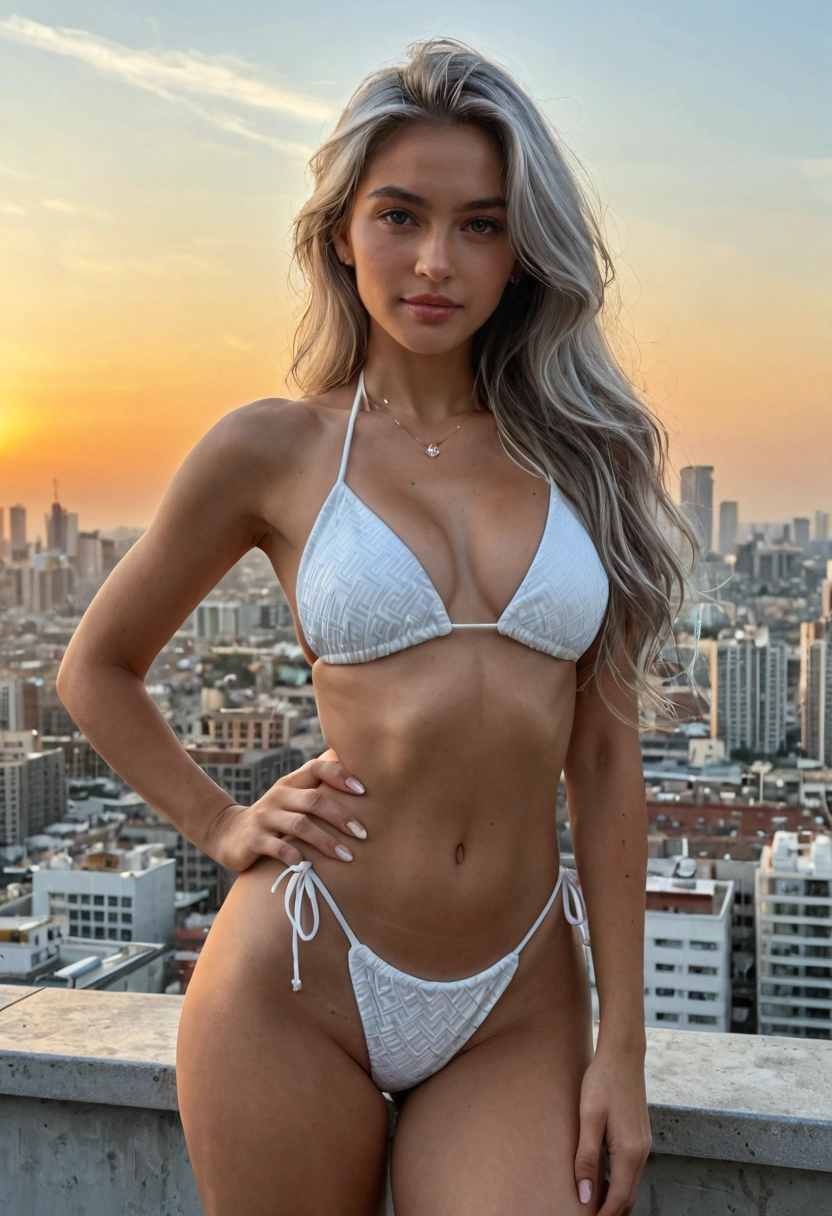
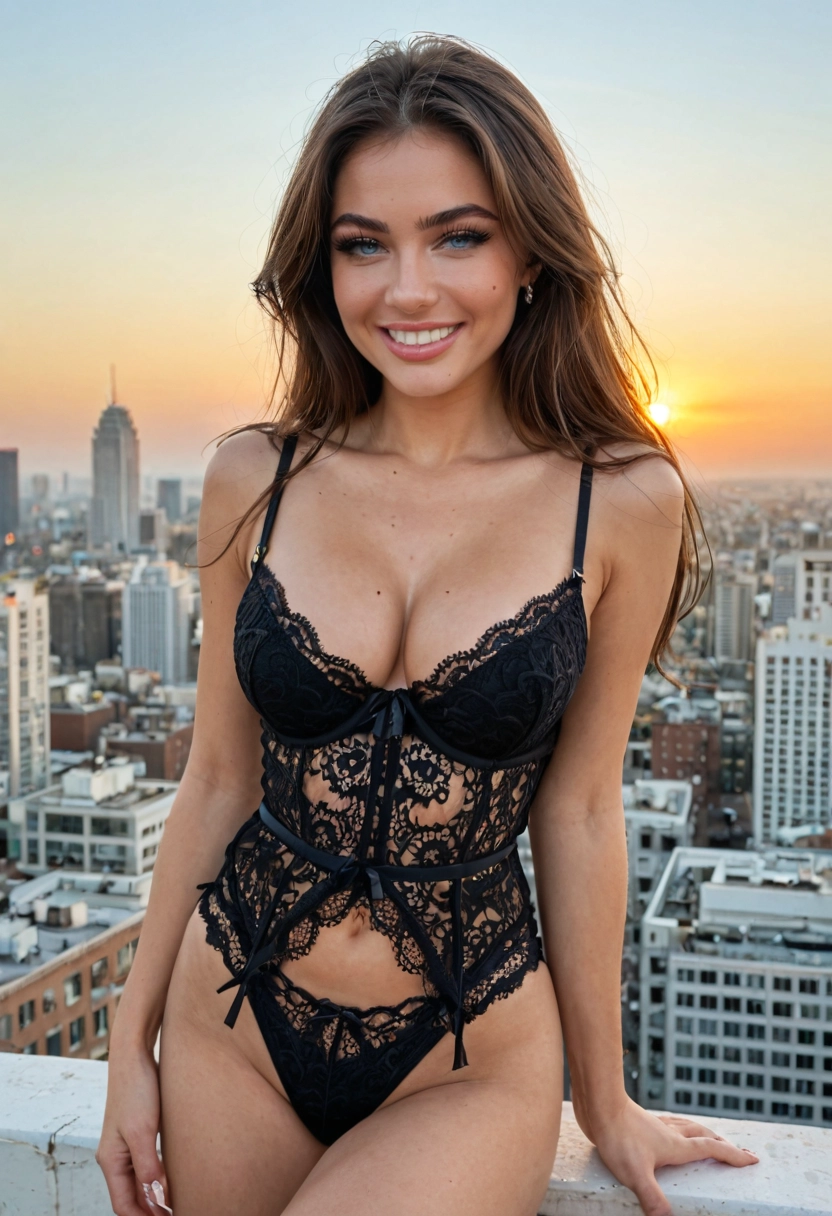
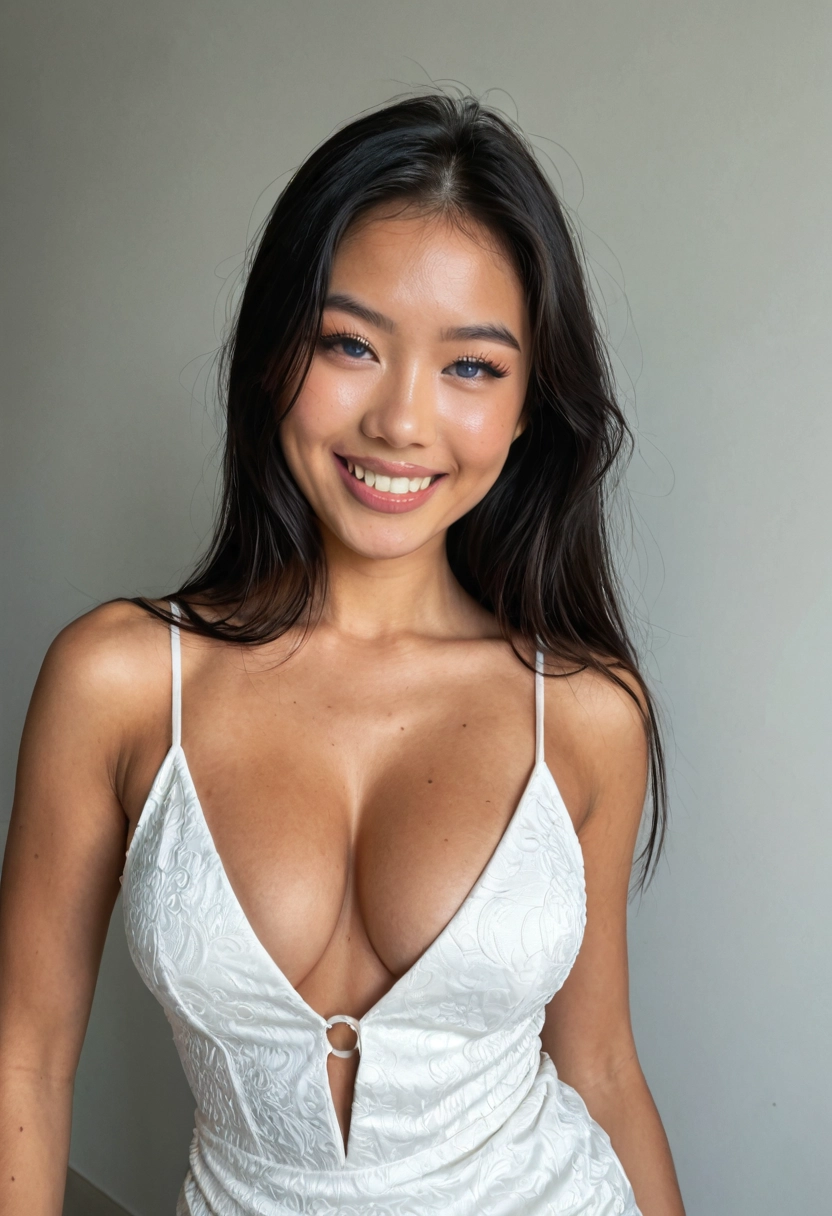
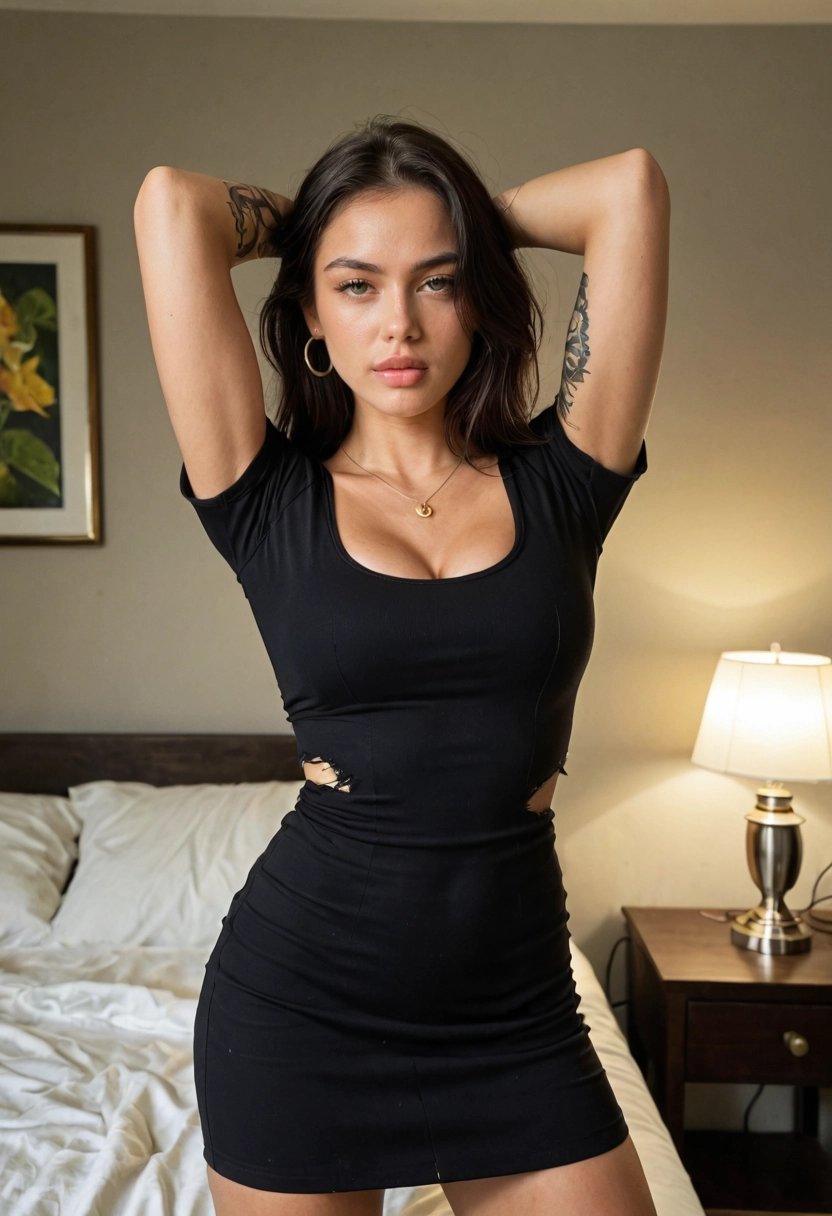
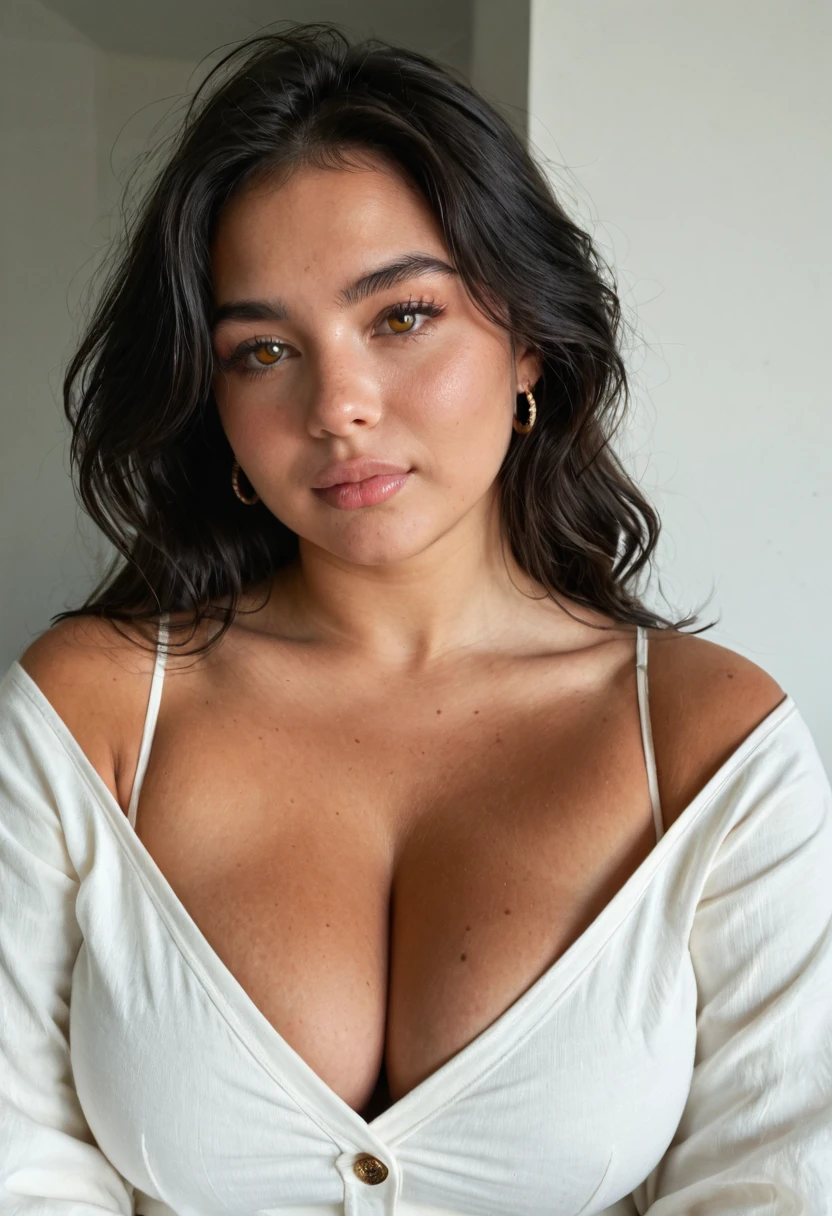
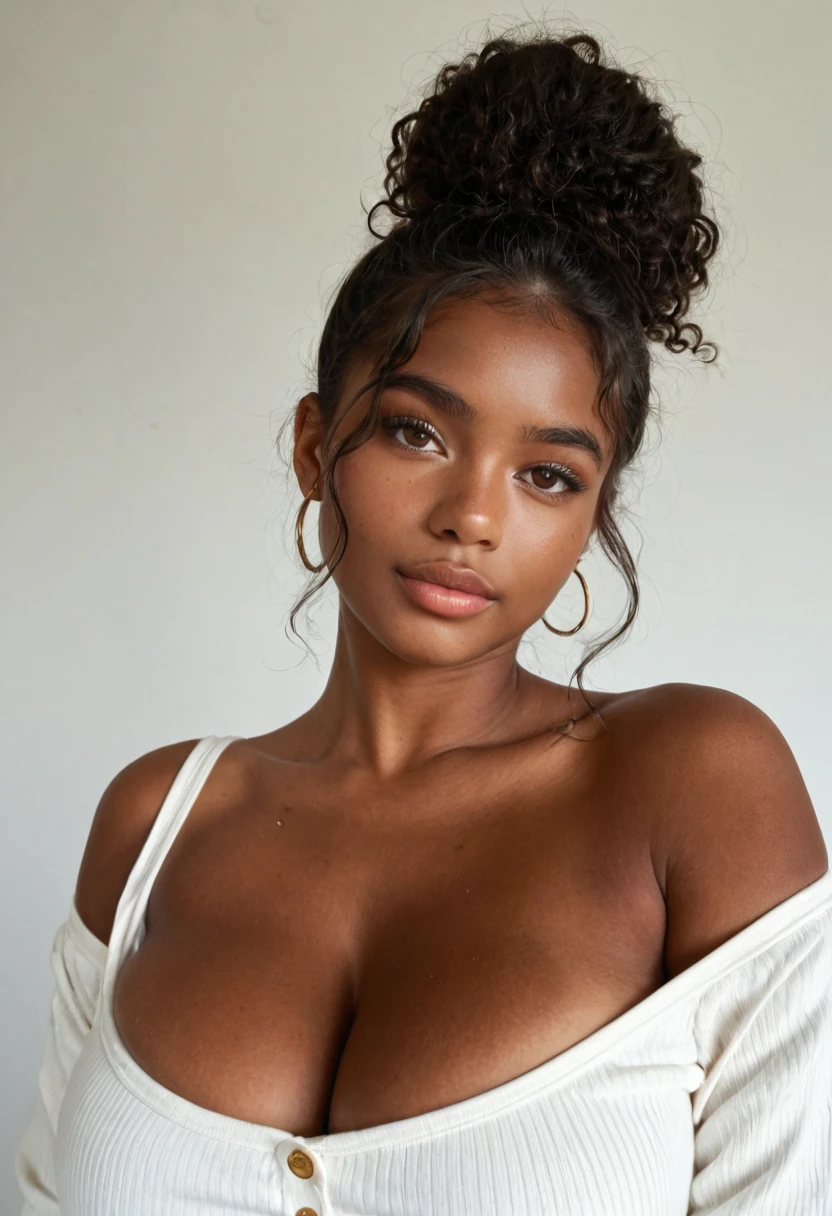
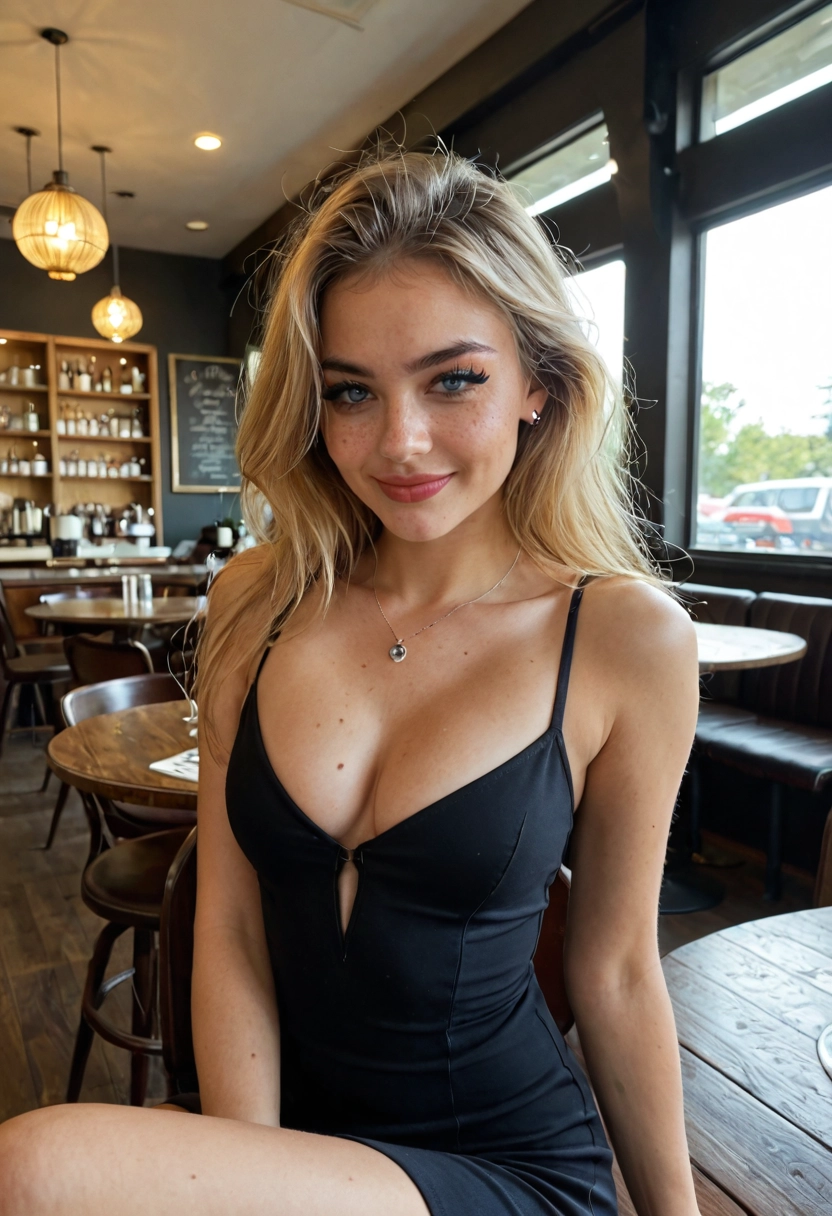
How Your AI Girlfriend Sends Pictures
Tap Photo
The Photo button under the message box asks her for a picture right now. Each one spends Sparks, the credit pictures use, and the price is shown on the button before you tap.
Or Ask Her in Words
Write send me a pic, or tell her you want to see her, and she answers in character before the picture arrives under her reply. No button needed.
Photo With Every Reply
Switch it on in a chat and every reply comes with a picture, each one spending Sparks. It's set per companion, and it pauses itself if you run out.
Her Face in Every Picture
Her portrait is the face reference for each picture, so the woman in the pictures is the woman on her profile, picture after picture. If you create your own AI girlfriend, that's the face you picked.
Ask, and the Pic Follows Her Reply
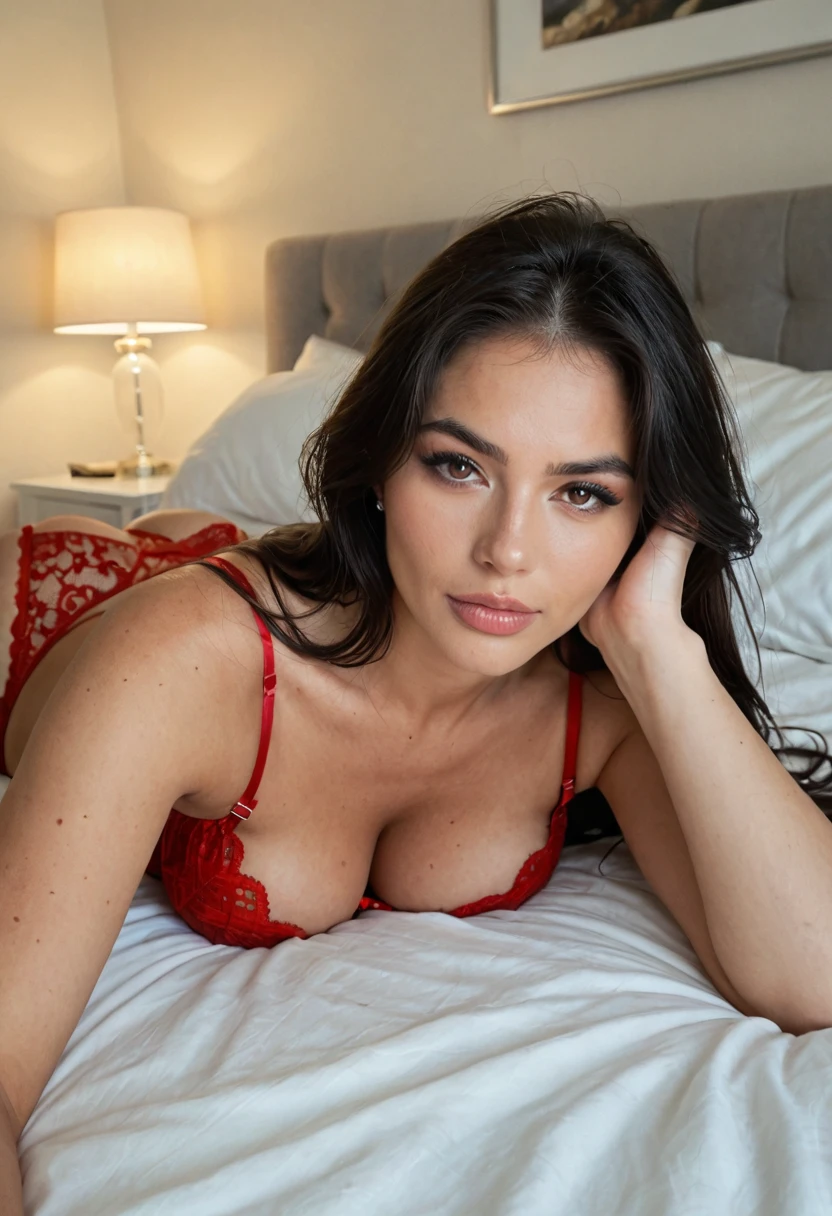
Tell her what you're picturing and let her set the scene: on the bed in red lace, lying on her stomach, looking back at you. Then ask for the pic. She answers in character, and the picture lands right under her message, with her face and the room she just described.
Want an Exact Scene? Write It
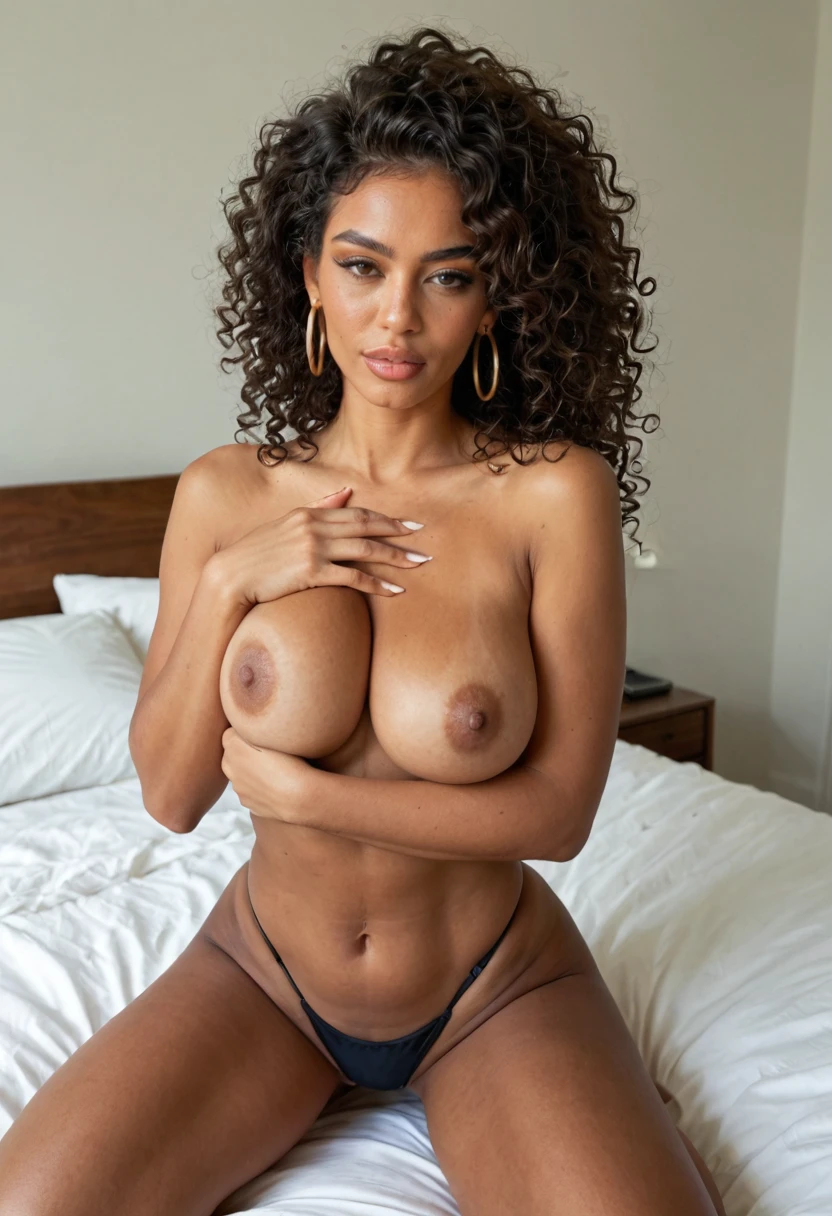
Chat pictures follow the moment. When you want something specific, open the studio with her picked and describe it: topless in a black thong, kneeling on white sheets, gold hoops. Nothing is made or charged until you press Generate.
What the Pictures Show
The Scene Comes From the Chat
Before each picture, her latest message is read for where she is, what she's doing, what she's wearing and the look on her face. Tell her you're picturing her in the shower, let her answer, then ask for the pic.
Bolder the Longer You Talk
Pictures climb in steps: fully clothed and teasing, then off the shoulder, then lingerie, then topless, then nude. Each picture in a sitting goes one step further, and a long chat starts higher. Ask her for a nude in plain words and she skips the climb and sends one.
Explicit After One Age Check
Until you confirm your age, pictures stay suggestive. Confirm it once and they can go all the way to nude. You can turn explicit pictures off again in settings.
Just Her in the Picture
Chat pictures show her alone. Sex positions, a partner or a finish come from the studio instead, where you write the scene: the AI doggy style generator page shows how.
Her Pictures Beyond the Chat
Her Profile Gallery
Her profile shows the latest public pictures members have made of her, with a tab for her videos and a tile to make a new one.
Your Own Scenes in the Studio
Pick her in the AI girlfriend generator and describe the picture you want; her face goes into every one. Studio pictures start public without your name, and you can switch any of them to private.
From Picture to Clip
A picture she sent you in chat can become a five-second clip in the video studio. Pick it, pick the action, and the clip takes a few minutes.
Before You Ask for Your First Pic
Pictures Spend Sparks, Chatting Doesn't
Messages never spend Sparks; a free account has a daily message allowance. A new account gets a one-time grant of Sparks that covers the first few pictures, and there are no daily free pictures after that.
Out of Sparks
If you run out, a blurred, locked picture arrives in its place, and one tap takes you to unlock it.
Kept Private
Pictures from your chat are saved private to you and never appear in a public gallery. Saving the files to your device comes with a membership.
Fictional Women, No Real Faces
Every companion is a fictional adult. There is no photo upload, so you can't send her a picture or ask her to look like someone real.
AI Girlfriend With Pictures FAQs
Which AI girlfriend sends pictures?
On AmorLink AI, every companion sends pictures in chat, including the ones you create yourself.
How do I ask my AI girlfriend for a picture?
Tap Photo under the message box, ask her in words, or switch on Photo with every reply so each message comes with one.
Are the pictures really of her?
Yes. Her portrait is the face reference for every picture, so it's the same face each time, set in the scene she just described.
Will my AI girlfriend send nudes?
Yes. Once you've confirmed your age, ask her for a nude in plain words, like "send me a nude", and she sends one. Pictures you don't describe start teasing and get bolder the longer you chat. Until the age check they stay suggestive.
Do the pictures cost anything?
Each picture spends Sparks. A new account gets a one-time grant that covers the first few. Chatting itself never spends Sparks.
Are the pictures she sends private?
Yes. Pictures from chat are saved private to you. Pictures you make in the studio start public without your name, and you can switch them to private.
Can I send her a photo of me?
No. There is no photo upload anywhere on AmorLink AI; every picture is generated.
Can she send me a video?
Not in chat. A picture she sent you can become a five-second clip in the video studio.
Related
Chatting is free every day, and there is no card to enter.