Create Your Own AI Girlfriend
Want to create your own AI girlfriend instead of picking someone else's? On AmorLink AI you build her in five short screens: realistic, anime or mythic, then her heritage, age, hair, eyes and figure, then her personality and who she is to you. Every choice is a picture, not a form.
Press Bring her to life and her first portrait is painted from your picks, before you even sign up and at no cost. Make an account to keep her and two more faces are drawn for you to choose from.
Then she's yours to talk to. She opens the chat in character, sends you pictures as things heat up, and the studio draws her in any scene you write, with her face in every one.
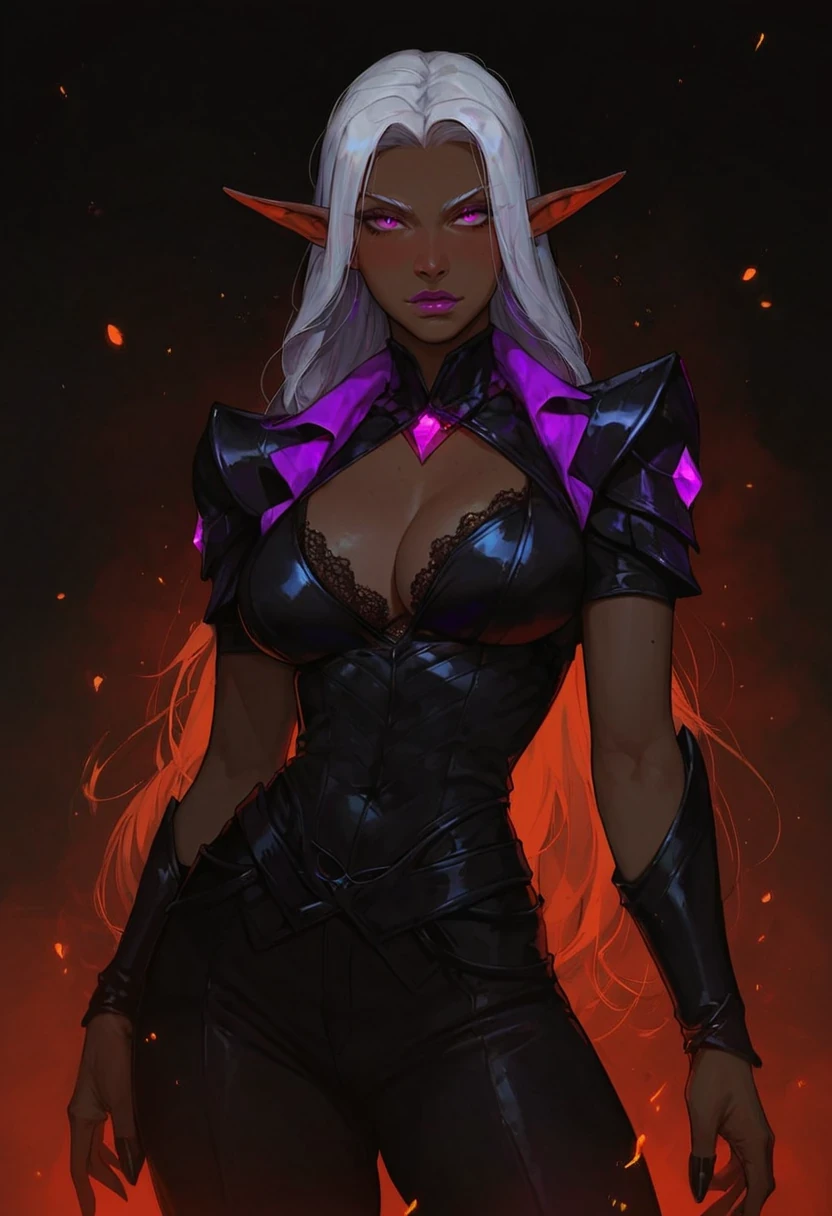
What Your AI Girlfriend Can Look Like

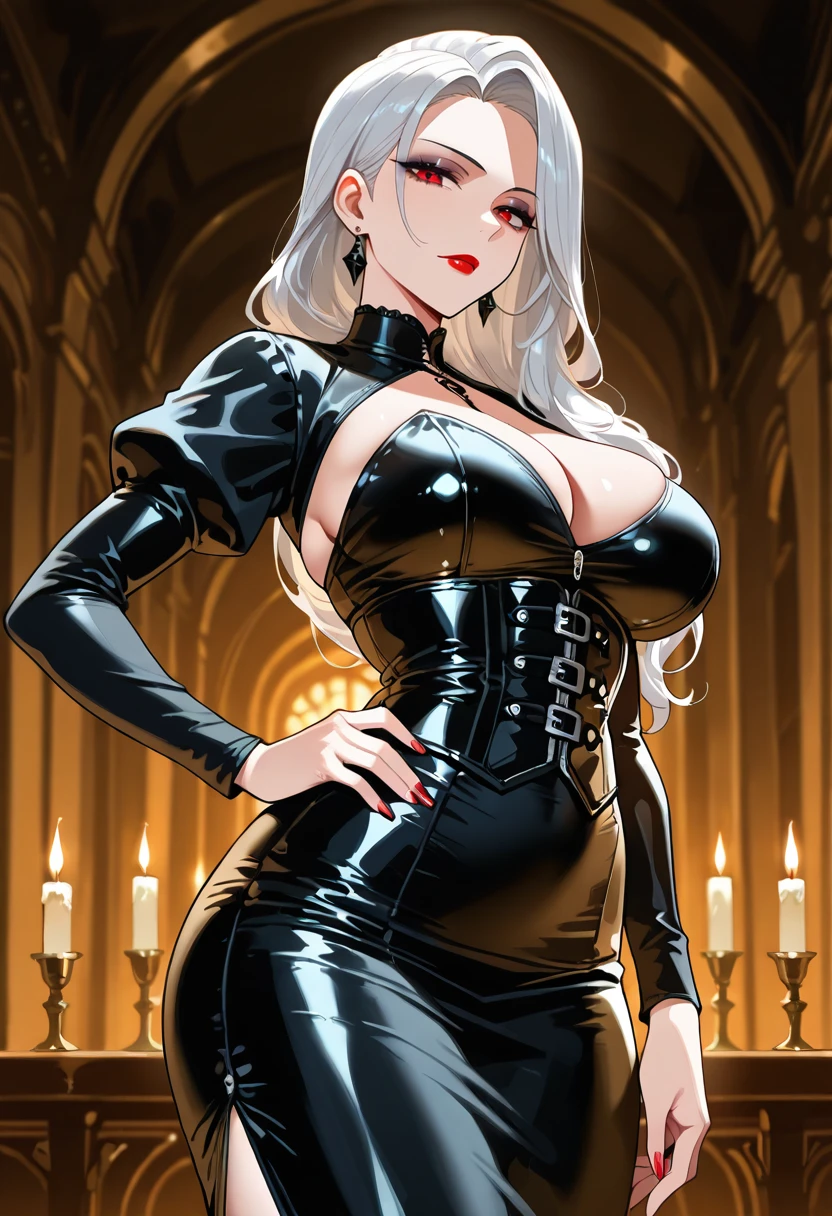
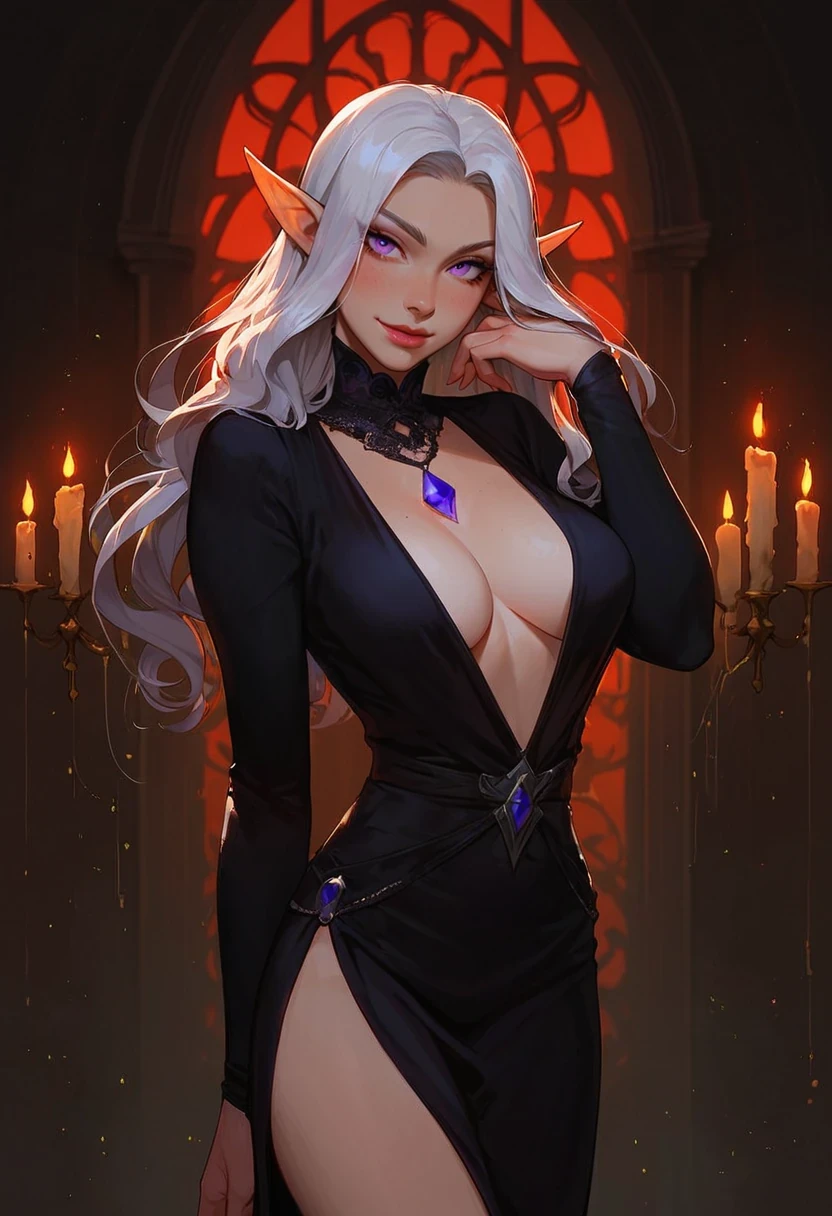

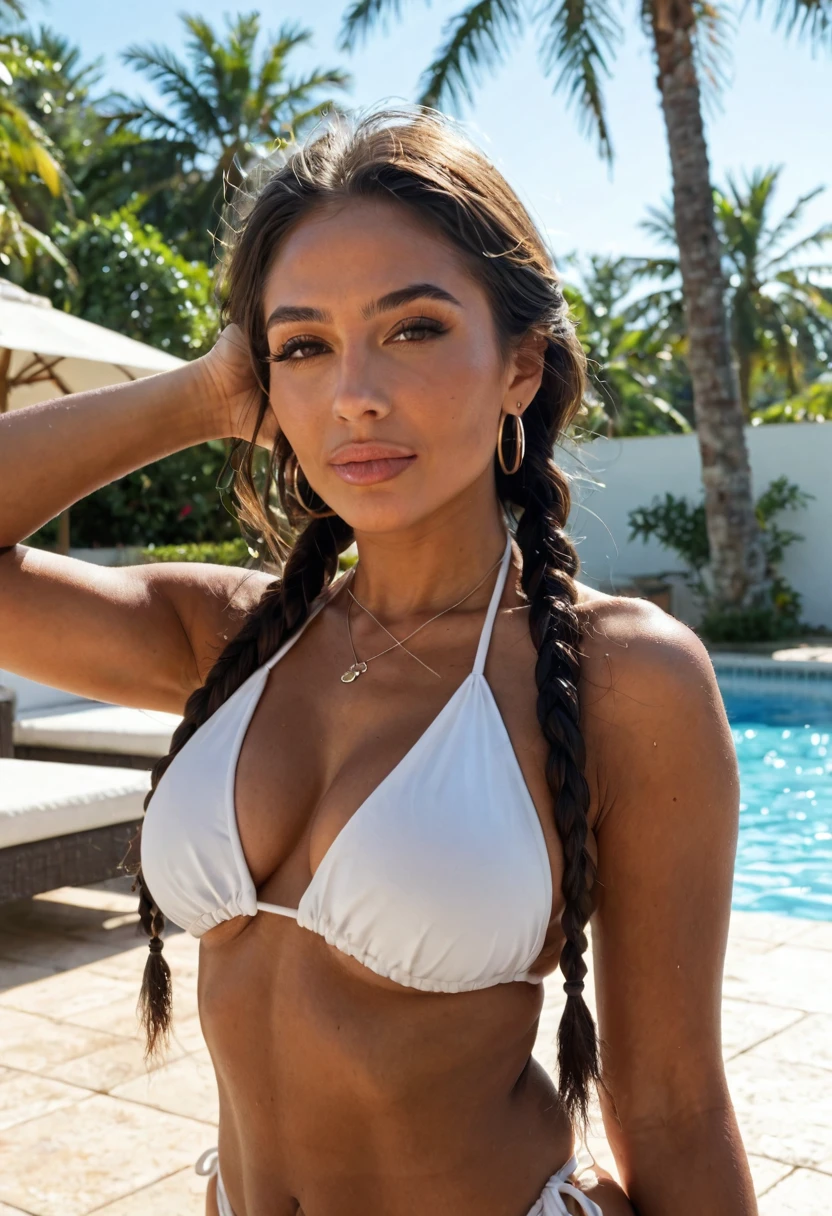
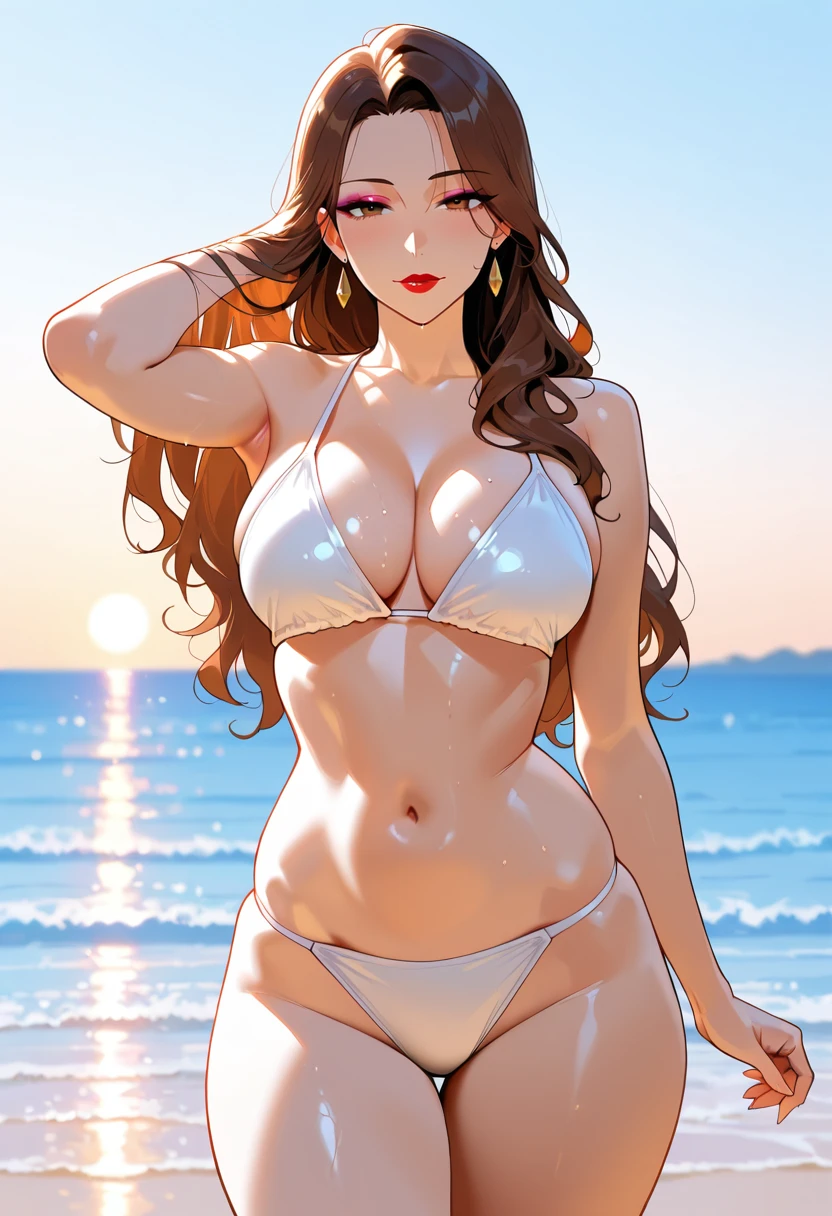

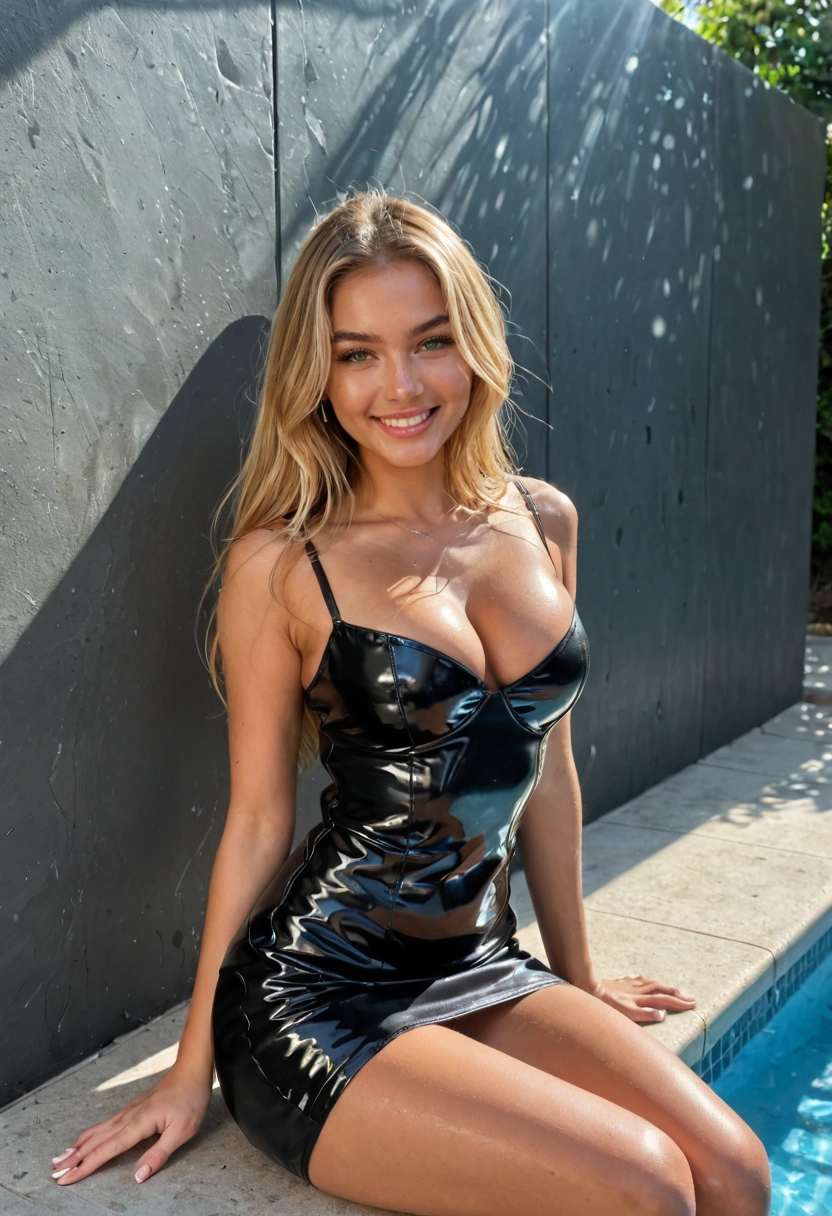
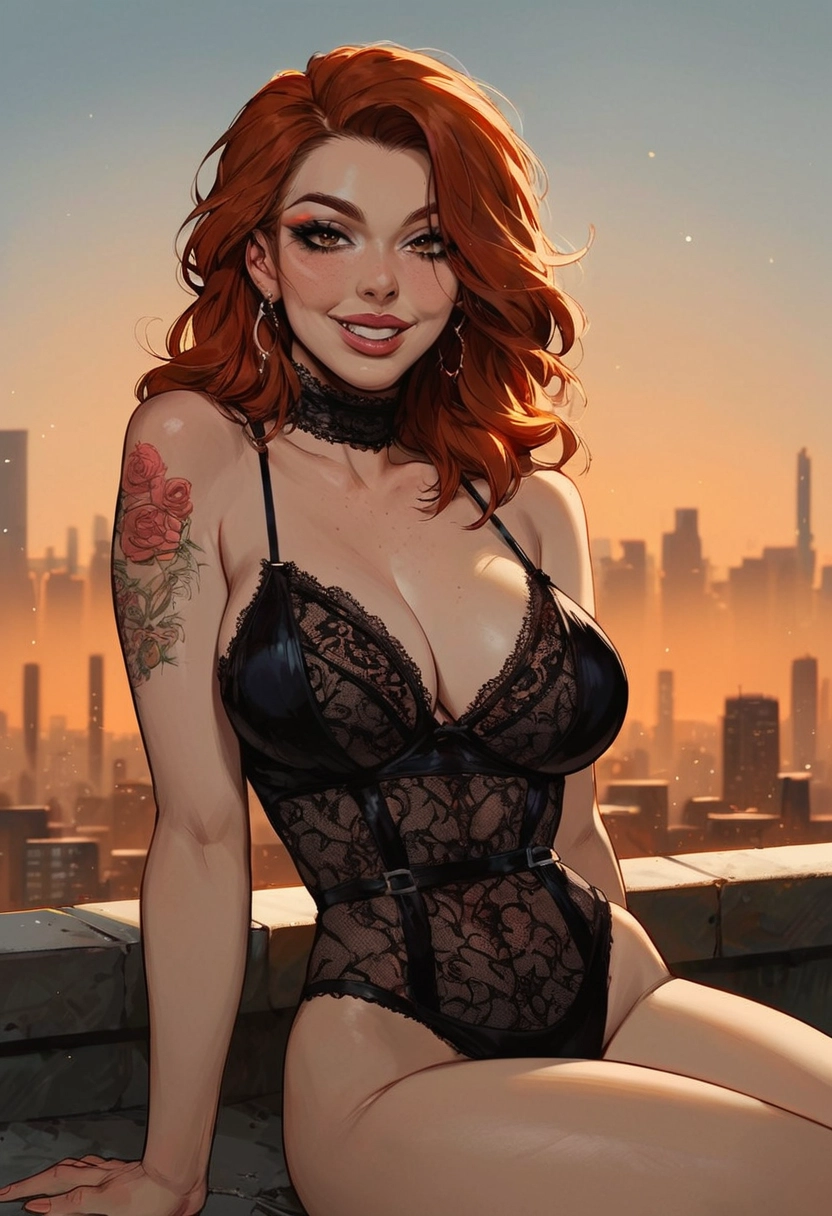
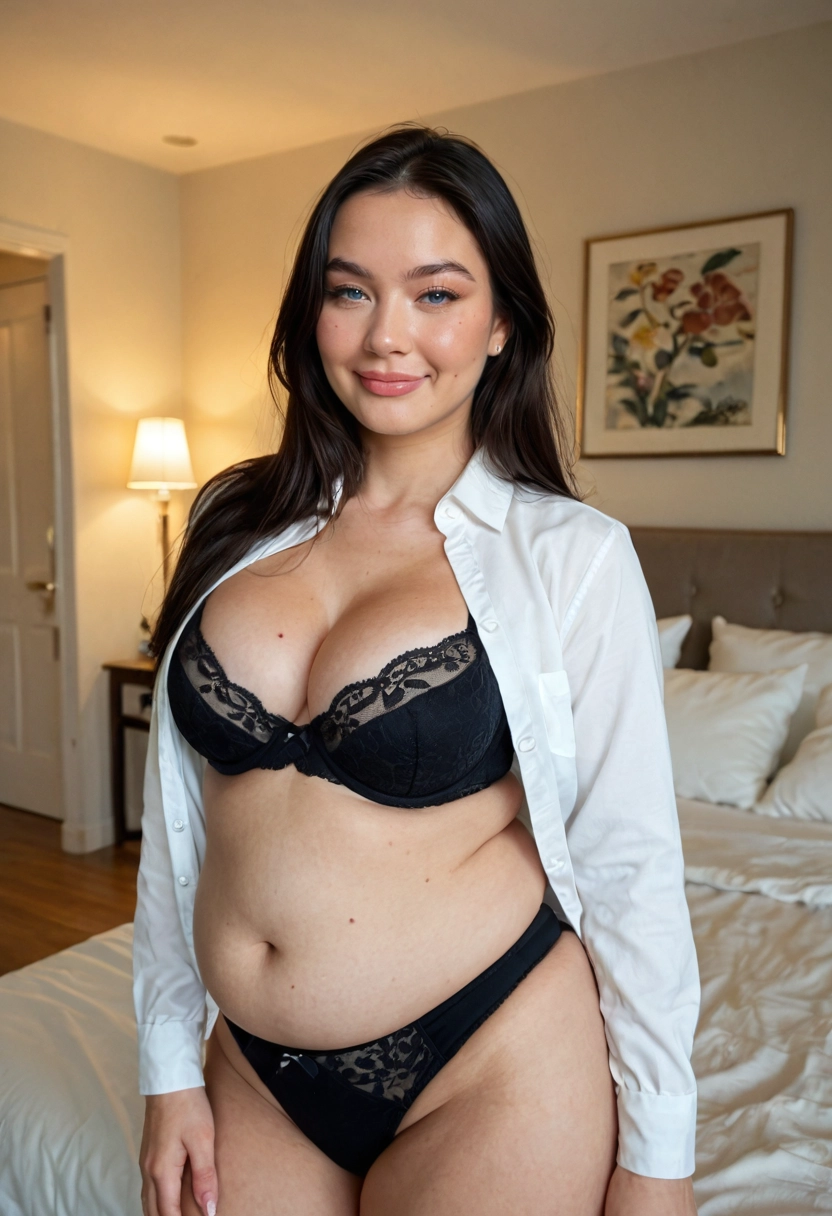
Ready-Made AI Girlfriends to Chat With
Not in the mood to build? These companions are ready now. Open one to read her profile and see her pictures; chatting takes a free account.

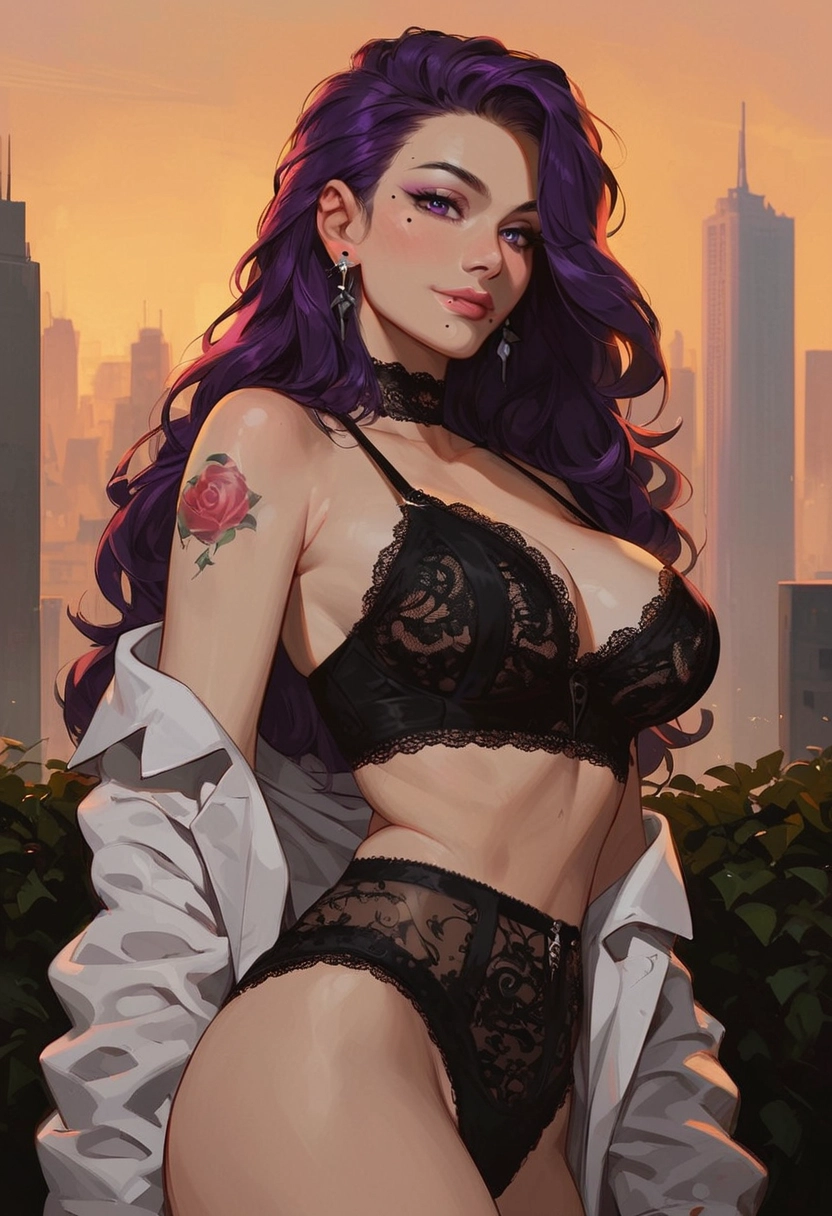
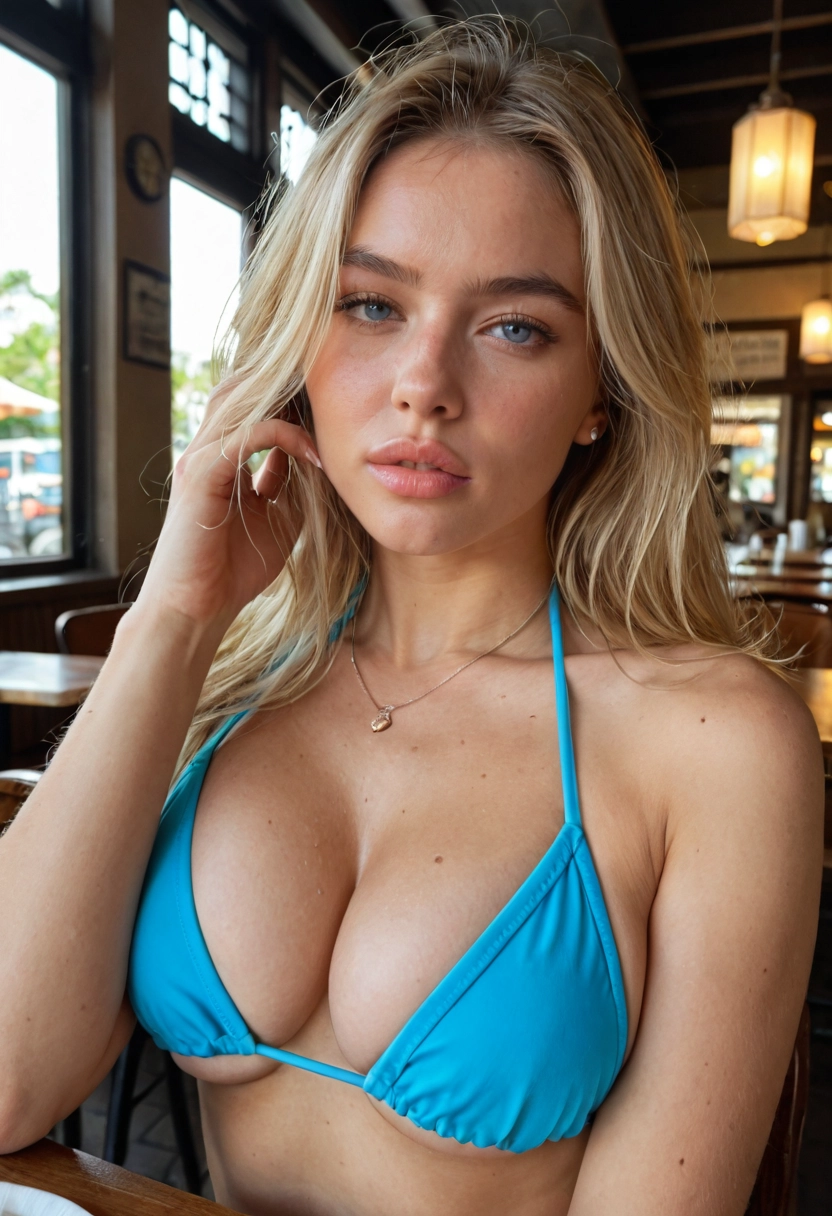
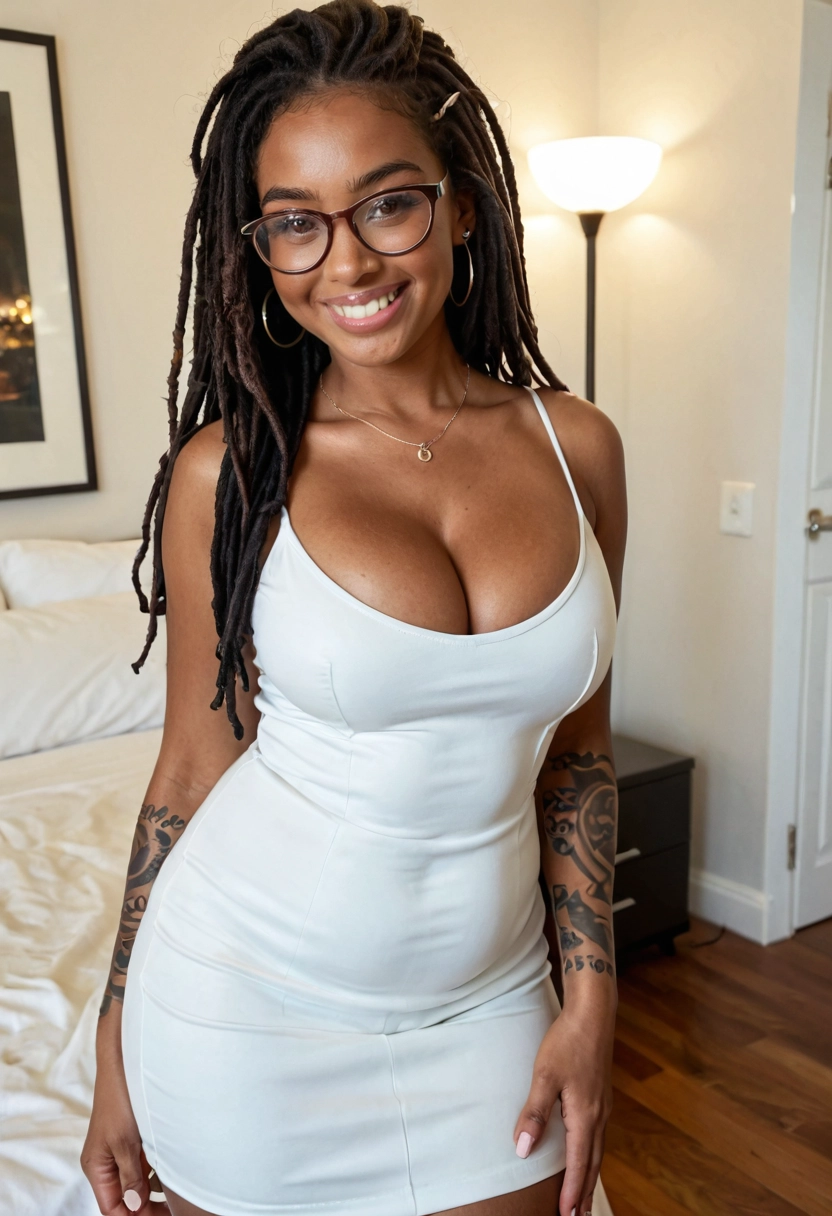
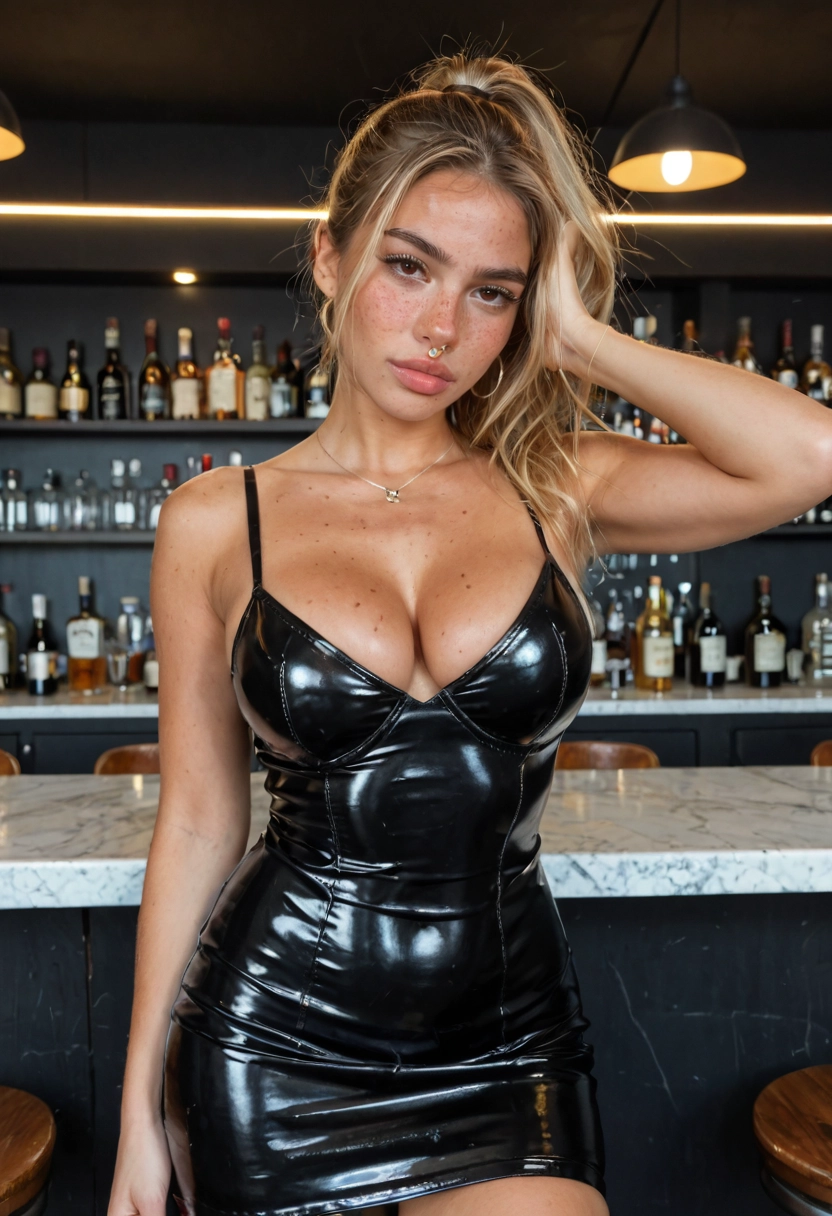
What You Get When You Create Your Own AI Girlfriend
A Portrait Painted From Your Picks
Her first portrait is drawn from everything you chose, and it looks like a glamour photo rather than a selfie: an outfit, a pose and a setting picked to suit her. You don't need an account to see it, and it costs nothing. The step-by-step guide shows every screen on the way there.
Three Faces to Choose From
You never type her face in; the builder draws it from her heritage, age and style. Keep her with an account and two more faces are painted, each in a look of its own. Tap the one that feels like her and it becomes her face from then on, in her portrait, her chat pictures and the studio.
A Personality That Changes How She Writes
Personality sets her temperament: Submissive, Playful, Confident, Shy, Dominant or Caring. The relationship sets who she is to you, from a stranger you just met to your girlfriend, your wife, your rival, your boss or your ex. Her role gives her a life outside your chats, as a nurse, a streamer, a dancer, a model and more.
Shared or Kept to Yourself
A public companion appears in Explore, where other people can meet her. Keep her private and she's left out of Explore and search; she still opens from her own link. Your conversations are private either way.
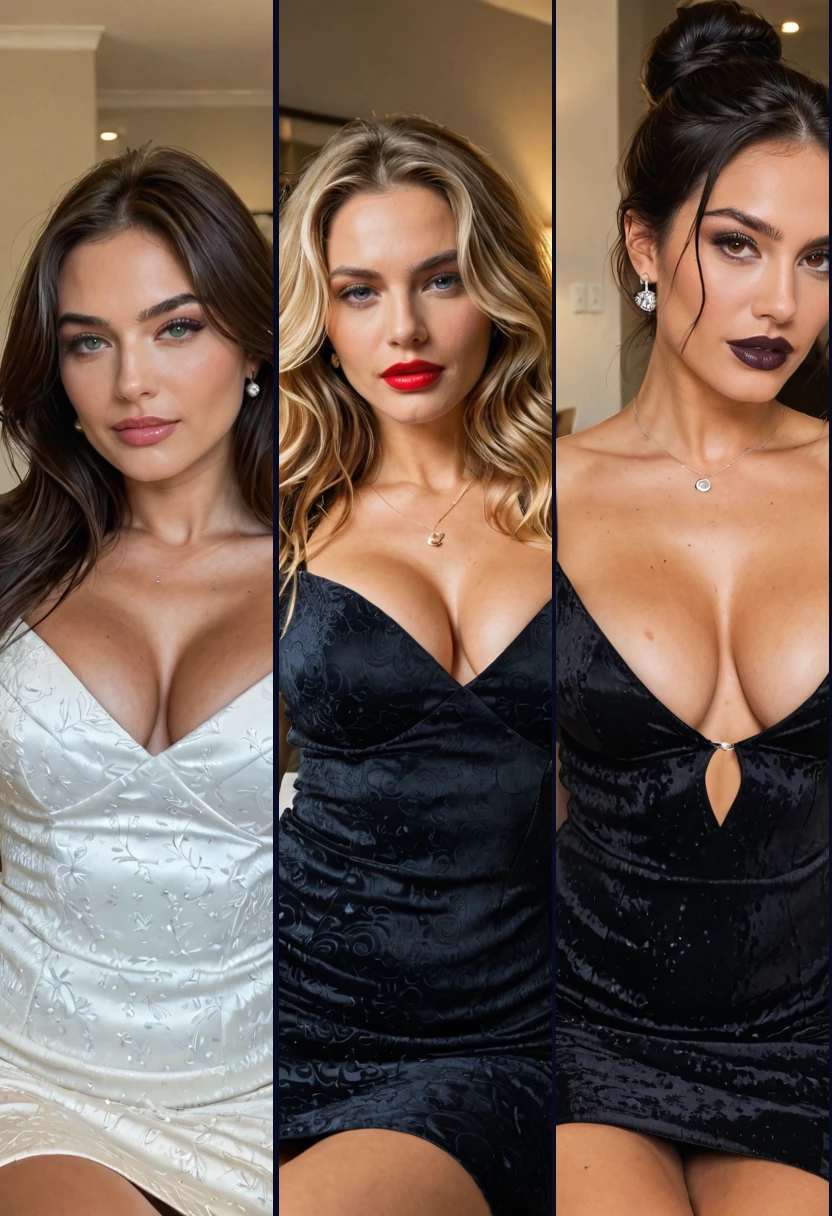
Three Faces, Then She's Yours
Sign up after her first portrait and two more faces are drawn for the same woman you designed, each in a different look. Tap the face you want and that's her for good: the one in her chat pictures, her studio pictures and her clips.

Then Picture Her in Any Scene
Open the studio with her picked and write the moment: nude on white sheets, propped on one elbow, morning light through the curtains. The picture keeps her face. Change a word and press again; nothing is made or charged until you press Generate.
What Your AI Girlfriend Does Once She Exists
She Speaks First
Start a chat and she opens it in character, shaped by her personality and the relationship you picked. Chatting never spends Sparks, the credit pictures and clips use; a free account has a daily message allowance.
She Sends Pictures in Chat
Tap Photo, switch on Photo with every reply, or just ask her for a pic. Every picture has her face, stays private to you, and gets bolder the longer you talk. The AI girlfriend with pictures page explains how far they go.
The Studio Draws Her Anywhere
Pick her in the AI girlfriend generator and write the scene in plain words. Her face goes into every picture, realistic, anime or mythic to match how you made her.
A Picture Becomes a Clip
Any picture of her, from the studio or from chat, can become a five-second clip in the video studio. Pick the picture, pick the action, and the clip takes a few minutes.
Before You Create Your Own AI Girlfriend
How Many You Can Make
A free account keeps one companion you made. With any membership you can make as many as you like. If you already have one, you can still design the next; the builder asks for a membership when you bring her to life.
Change Her Look Later
Edit her hair, eyes, figure or outfit after the first portrait and she's painted again to match. Each companion gets three of those redraws at no cost. Changing her name, personality or story never touches her portrait, and her face stays the one you picked.
Every Face Is Generated
There is no photo upload, so she can't be built from a picture of a real person. Every face on AmorLink AI is drawn by the builder, and every companion is a fictional adult.
One Age Check Turns Explicit On
Confirm your age once and explicit pictures are on for her chat and the studio. You can turn them off again in settings whenever you like.
Create Your Own AI Girlfriend FAQs
How do I create my own AI girlfriend?
Open the builder and go through five screens: her style, her heritage and age, her hair and eyes, her figure, then her name, personality, relationship and role. Press Bring her to life and her first portrait is painted. Our step-by-step guide shows every screen.
Do I need an account to create her?
Not to design her or see her first portrait. An account keeps her, draws two more faces for you to choose from, and lets you chat with her.
Does it cost anything to create an AI girlfriend?
Building her and her first portrait cost nothing, and chatting has a daily allowance that never touches Sparks. Pictures and clips spend Sparks; a new account gets a one-time grant that covers the first few pictures.
Can I make more than one AI girlfriend?
A free account keeps one companion you made. Any membership lets you make as many as you like, and you can meet everyone else's public companions in Explore.
Can I make her look like a real person?
No. There is no photo upload, and every face is generated by the builder. Every companion is a fictional adult.
Can I change her after she's made?
Yes. Edit her look and she's painted again, three times at no cost for each companion. Once you've picked her face, it stays hers.
Can other people see my AI girlfriend?
Only if she's public, which puts her in Explore. Keep her private and she stays out of Explore and search. Your chats with her are private either way.
Can my AI girlfriend send me pictures?
Yes. In chat she sends pictures of herself with her face, private to you, starting teasing and getting bolder as you talk. Explicit pictures need one age check.
Related
Chatting is free every day, and there is no card to enter.